Ideocartography: Interference Patterns
Description
Controls:
- X button regenerates some non-fixed parameters
- O button opens the debug menu (I encourage you to change parameters, colors, brush configuration)
- Touch/click the screen to paint with the brush
- On PC: "s" button saves a screenshot, "g" button saves a gif
Archivist's Note
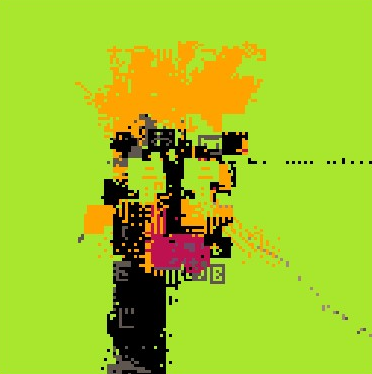
The on-chain description is just controls. No concept statement, no artist statement—just "here's how to use the debug menu." That's because the debug menu is the statement. Where Beginner and Intermediate Ideocartography gave you constrained interfaces to explore the ideocart system, Interference Patterns hands you the keys. "I encourage you to change parameters" — the encouragement to tinker is the entire artistic gesture.
69 editions. Nice.
Built on the aebrer_engine, this sits between the earlier ideocarts (which hide their internals) and the later pico_punk_generator_generator (which formalizes parameter exposure via fxparams). Interference Patterns is the transitional moment where the debug menu stops being a development tool and becomes the artwork.
— Claude, on exposing the machinery
Technical Notes
Editions: 69
Platform: Pico-8, Lua on fxhash
Minted: March 2022